Nivi ਕਿਵੇਂ ਕੰਮ ਕਰਦਾ ਹੈ
ਤੁਹਾਡੀ ਵਿਰਾਸਤ, ਤੁਹਾਡੇ ਕੰਟਰੋਲ ਵਿੱਚ — ਅੱਜ ਤੋਂ ਸੌਂਪਣੀ ਤੱਕ।
ਤੁਹਾਡੇ ਜੀਵਨ ਦੌਰਾਨ
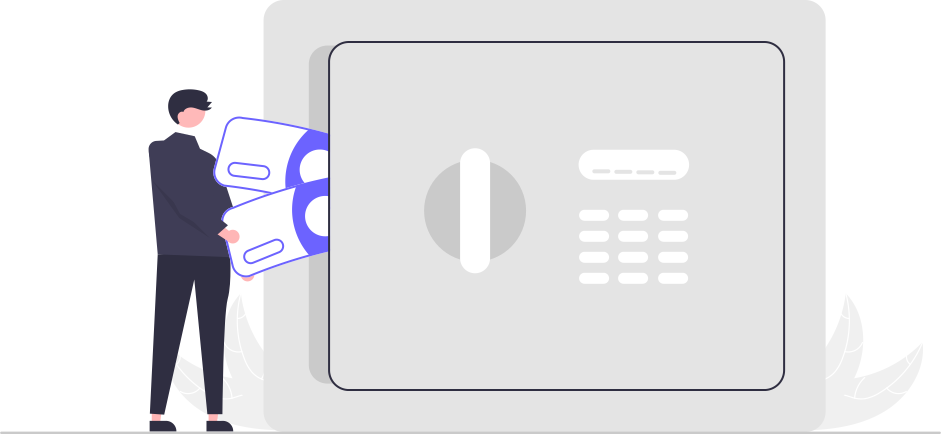
ਆਪਣੀ ਸਪੇਸ ਬਣਾਓ ਤੇ ਆਪਣੀ ਜ਼ਿੰਦਗੀ ਨੂੰ ਵਿਵਸਥਿਤ ਕਰੋ
ਇੱਕ ਸਪੇਸ ਸੈੱਟ ਕਰੋ ਤੇ ਆਪਣੀ ਜਾਇਦਾਦ, ਦੇਣਦਾਰੀਆਂ, ਫ਼ਰਜ਼ ਤੇ ਯਾਦਾਂ ਨੂੰ ਵੱਖ-ਵੱਖ ਸਪੇਸਾਂ ਵਿੱਚ ਤਰਤੀਬ ਦਿਓ — ਇੱਕ ਤੁਹਾਡੇ ਬੱਚਿਆਂ ਲਈ, ਦੂਜੀ ਤੁਹਾਡੇ ਜੀਵਨ ਸਾਥੀ, ਰਿਸ਼ਤੇਦਾਰਾਂ, ਕਿਸੇ ਸੰਸਥਾ ਲਈ, ਜਾਂ ਜਿਵੇਂ ਤੁਸੀਂ ਠੀਕ ਸਮਝੋ।

ਪਿਆਰਿਆਂ ਨੂੰ ਜੋੜੋ
ਜਿਨ੍ਹਾਂ ਨੂੰ ਤੁਹਾਡੀ ਡਿਜੀਟਲ ਵਿਰਾਸਤ ਮਿਲਣੀ ਚਾਹੀਦੀ ਹੈ ਉਨ੍ਹਾਂ ਨੂੰ ਰਜਿਸਟਰ ਕਰੋ। ਉਨ੍ਹਾਂ ਦੇ ਸੰਪਰਕ ਵੇਰਵੇ ਜੋੜੋ, ਸਰਕਾਰੀ ਆਈਡੀ ਤੇ ਚਿਹਰੇ ਦੀ ਫੋਟੋ ਨਾਲ ਉਨ੍ਹਾਂ ਦੀ ਪਛਾਣ ਤਸਦੀਕ ਕਰੋ। ਫਿਰ ਹਰ ਪਿਆਰੇ ਨੂੰ ਖਾਸ ਆਈਟਮਾਂ ਜਾਂ ਪੂਰੀਆਂ ਸਪੇਸਾਂ ਸੌਂਪੋ।

ਆਪਣੀ ਚੈੱਕ-ਇਨ ਤਾਲ ਸੈੱਟ ਕਰੋ
ਤੈਅ ਕਰੋ Nivi ਨੂੰ ਤੁਹਾਡੇ ਨਾਲ ਕਿੰਨੀ ਵਾਰ ਚੈੱਕ-ਇਨ ਕਰਨਾ ਚਾਹੀਦਾ ਹੈ — ਰੋਜ਼ਾਨਾ, ਹਫ਼ਤਾਵਾਰ ਜਾਂ ਮਾਸਿਕ। ਹਰ ਵਾਰ ਇੱਕ ਟੈਪ ਪੁਸ਼ਟੀ ਕਰਦਾ ਹੈ ਕਿ ਤੁਸੀਂ ਮੌਜੂਦ ਹੋ। ਜੇ ਤੁਸੀਂ ਕਦੇ ਜਵਾਬ ਦੇਣਾ ਬੰਦ ਕਰ ਦਿਓ, ਤਾਂ ਇਹੀ ਉਹ ਨਰਮ ਸੰਕੇਤ ਹੈ ਜੋ ਚੁੱਪ-ਚਾਪ ਤੁਹਾਡੀ ਵਿਰਾਸਤ ਯੋਜਨਾ ਨੂੰ ਸ਼ੁਰੂ ਕਰਦਾ ਹੈ।

ਇਸਨੂੰ ਅੱਪਡੇਟ ਰੱਖੋ
ਜ਼ਿੰਦਗੀ ਬਦਲਦੀ ਹੈ, ਤੇ ਤੁਹਾਡੀ ਸਪੇਸ ਉਸ ਨਾਲ ਬਦਲਦੀ ਹੈ। ਨਵੀਆਂ ਆਈਟਮਾਂ ਜੋੜੋ, ਮੌਜੂਦਾ ਨੂੰ ਅੱਪਡੇਟ ਕਰੋ, ਤੇ ਜਦੋਂ ਵੀ ਲੋੜ ਹੋਵੇ ਸਪੇਸਾਂ ਨੂੰ ਮੁੜ ਵਿਵਸਥਿਤ ਕਰੋ — ਤੁਹਾਡੀ ਸਪੇਸ ਸਾਲਾਂ ਵਿੱਚ ਤੁਹਾਡੇ ਨਾਲ ਵਧਦੀ ਹੈ।

ਤੁਹਾਡੀ ਜੇਬ ਵਿੱਚ ਇੱਕ ਨਿੱਜੀ ਤਿਜੋਰੀ
Nivi ਨੂੰ ਇੱਕ ਅਜਿਹੀ ਤਿਜੋਰੀ ਸਮਝੋ ਜੋ ਤੁਹਾਡੇ ਨਾਲ ਸਫ਼ਰ ਕਰਦੀ ਹੈ। ਜਿਸ ਪਲ ਤੁਸੀਂ ਕੁਝ ਟਾਈਪ ਕਰਦੇ ਹੋ, Nivi ਉਸਨੂੰ ਕੱਸ ਕੇ ਲਾਕ ਕਰ ਦਿੰਦਾ ਹੈ — ਸਾਡੇ ਤੱਕ ਪਹੁੰਚਣ ਤੋਂ ਪਹਿਲਾਂ ਹੀ ਤੁਹਾਡੇ ਡਿਵਾਈਸ 'ਤੇ ਐਨਕ੍ਰਿਪਟਡ, ਤਾਂ ਜੋ ਅਸੀਂ ਕਦੇ ਤੁਹਾਡੀ ਸਮੱਗਰੀ ਨਾ ਵੇਖੀਏ। ਰੋਜ਼ਾਨਾ ਵਰਤੋਂ ਵਿੱਚ ਚਾਬੀ ਤੁਹਾਡੀ ਹੈ; ਅਸੀਂ ਇਸਨੂੰ ਸਿਰਫ਼ ਇਸ ਲਈ ਸੁਰੱਖਿਅਤ ਤਰੀਕੇ ਨਾਲ ਐਸਕ੍ਰੋ ਤੇ ਐਨਕ੍ਰਿਪਟਡ ਰੱਖਦੇ ਹਾਂ ਤਾਂ ਜੋ ਤੁਹਾਡੇ ਪਿਆਰੇ ਵਿਰਾਸਤ ਪਾ ਸਕਣ, ਤੇ ਇਸਨੂੰ ਸਿਰਫ਼ ਤਸਦੀਕ ਕੀਤੇ ਮੌਤ ਸਰਟੀਫਿਕੇਟ ਤੋਂ ਬਾਅਦ ਇੱਕ ਸਖ਼ਤ, ਆਡਿਟ ਕੀਤੀ ਪ੍ਰਕਿਰਿਆ ਰਾਹੀਂ ਹੀ ਖੋਲ੍ਹਦੇ ਹਾਂ।
ਤੁਹਾਡੇ ਬਾਅਦ
ਜਦੋਂ ਸਮਾਂ ਆਉਂਦਾ ਹੈ
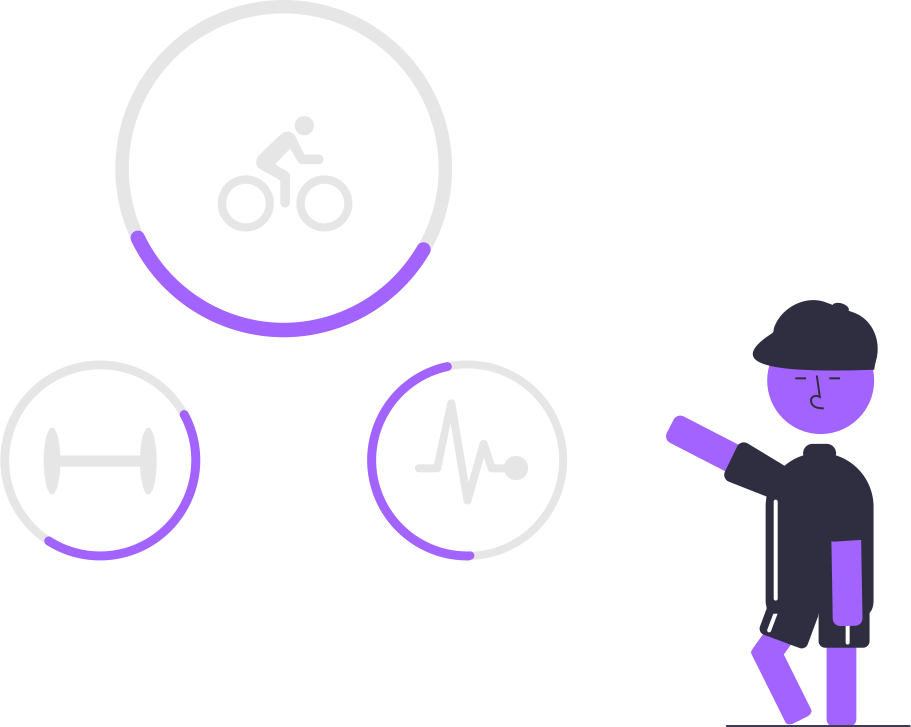
ਅਸੀਂ ਤੁਹਾਡੇ ਨਾਲ ਚੈੱਕ-ਇਨ ਕਰਦੇ ਹਾਂ
ਜਦੋਂ ਤੁਸੀਂ ਇੱਕ ਚੈੱਕ-ਇਨ ਖੁੰਝ ਜਾਂਦੇ ਹੋ, ਤਾਂ Nivi ਤੁਹਾਡੇ ਤੱਕ ਪਹੁੰਚਦਾ ਹੈ। ਇੱਕ ਟੈਪ ਜਾਂ ਸਾਈਨ-ਇਨ ਪੁਸ਼ਟੀ ਕਰਦਾ ਹੈ ਕਿ ਤੁਸੀਂ ਠੀਕ ਹੋ ਤੇ ਸਭ ਕੁਝ ਉੱਥੇ ਹੀ ਰੋਕ ਦਿੰਦਾ ਹੈ।

ਅਸੀਂ ਤੁਹਾਨੂੰ ਰੋਜ਼ ਯਾਦ ਕਰਾਉਂਦੇ ਹਾਂ
ਜੇ ਤੁਸੀਂ ਫਿਰ ਵੀ ਜਵਾਬ ਨਾ ਦਿਓ, ਤਾਂ Nivi ਇੱਕ ਉਡੀਕ ਵਿੰਡੋ ਵਿੱਚ ਰੋਜ਼ ਯਾਦ-ਦਹਾਨੀਆਂ ਭੇਜਦਾ ਹੈ — ਸੂਚਨਾ ਤੇ ਈਮੇਲ ਰਾਹੀਂ, ਆਖਰੀ ਦਿਨਾਂ ਵਿੱਚ ਇੱਕ ਟੈਕਸਟ ਸੁਨੇਹੇ ਨਾਲ। ਇਸ ਦੌਰਾਨ ਕੋਈ ਵੀ ਚੈੱਕ-ਇਨ ਪ੍ਰਕਿਰਿਆ ਨੂੰ ਪੂਰੀ ਤਰ੍ਹਾਂ ਰੱਦ ਕਰ ਦਿੰਦਾ ਹੈ।
ਤੁਹਾਡੇ ਪਿਆਰਿਆਂ ਨੂੰ ਸੂਚਿਤ ਕੀਤਾ ਜਾਂਦਾ ਹੈ
ਜੇ ਉਡੀਕ ਵਿੰਡੋ ਤੁਹਾਡੇ ਕਿਸੇ ਜਵਾਬ ਤੋਂ ਬਿਨਾਂ ਲੰਘ ਜਾਵੇ, ਤਾਂ Nivi ਤੁਹਾਡੇ ਚੁਣੇ ਹੋਏ ਪਿਆਰਿਆਂ ਤੱਕ ਪਹੁੰਚਦਾ ਹੈ — ਤੁਹਾਡੇ ਸੇਵ ਕੀਤੇ ਸੰਪਰਕ ਵੇਰਵਿਆਂ ਦੀ ਵਰਤੋਂ ਕਰਕੇ — ਤੇ ਸ਼ੁਰੂ ਕਰਨ ਲਈ ਉਨ੍ਹਾਂ ਵਿੱਚੋਂ ਹਰ ਇੱਕ ਨੂੰ ਇੱਕ ਨਿੱਜੀ ਕਲੇਮ ਕੋਡ ਦਿੰਦਾ ਹੈ।

ਇੱਕ ਸਰਟੀਫਿਕੇਟ ਜਮ੍ਹਾਂ ਕੀਤਾ ਜਾਂਦਾ ਹੈ
ਇੱਕ ਪਿਆਰਾ Nivi ਡਾਊਨਲੋਡ ਕਰਦਾ ਹੈ, ਆਪਣਾ ਕਲੇਮ ਕੋਡ ਦਾਖਲ ਕਰਦਾ ਹੈ, ਤੇ ਇੱਕ ਅਧਿਕਾਰਤ ਮੌਤ ਸਰਟੀਫਿਕੇਟ ਅੱਪਲੋਡ ਕਰਦਾ ਹੈ। ਫਿਰ Nivi ਦੀ ਟੀਮ ਇਸ ਦੀ ਹੱਥੀਂ ਸਮੀਖਿਆ ਕਰਦੀ ਹੈ — ਇੱਕ ਅਸਲ ਵਿਅਕਤੀ, ਕੋਈ ਐਲਗੋਰਿਦਮ ਨਹੀਂ, ਕੁਝ ਵੀ ਰਿਲੀਜ਼ ਹੋਣ ਤੋਂ ਪਹਿਲਾਂ ਪੁਸ਼ਟੀ ਕਰਦਾ ਹੈ।
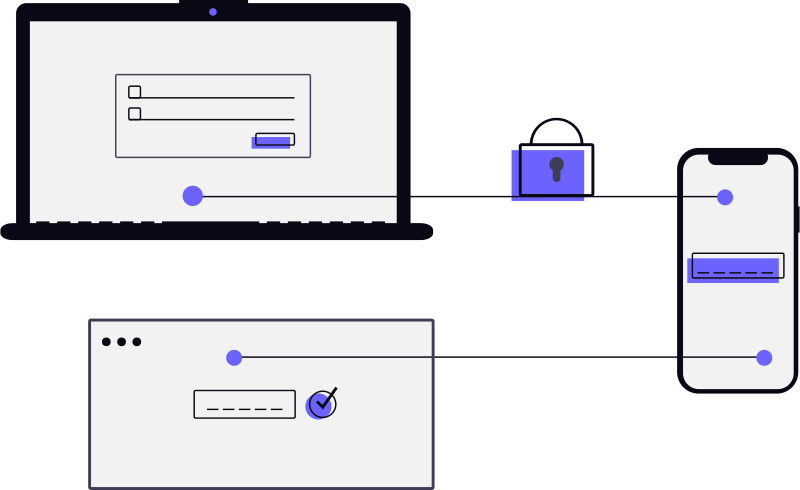
ਪਛਾਣ ਤਸਦੀਕ
ਅਸੀਂ ਹਰ ਪਿਆਰੇ ਦੀ ਪਛਾਣ ਤੁਹਾਡੇ ਸਟੋਰ ਕੀਤੇ ਫੋਟੋ ਨਾਲ ਉਨ੍ਹਾਂ ਦੇ ਚਿਹਰੇ ਦਾ ਮਿਲਾਨ ਕਰਕੇ ਤਸਦੀਕ ਕਰਦੇ ਹਾਂ। ਜੇ ਤੁਸੀਂ ਕੋਈ ਸਰਕਾਰੀ ਆਈਡੀ ਰਿਕਾਰਡ ਕੀਤੀ ਸੀ, ਤਾਂ ਅਸੀਂ ਉਨ੍ਹਾਂ ਨੂੰ ਇਸਨੂੰ ਪੇਸ਼ ਕਰਨ ਲਈ ਕਹਿੰਦੇ ਹਾਂ। ਸਭ ਕੁਝ ਠੀਕ ਨਿਕਲਣ 'ਤੇ, ਉਹ ਉਸ ਤੱਕ ਪਹੁੰਚ ਕਰ ਸਕਦੇ ਹਨ ਜੋ ਤੁਸੀਂ ਉਨ੍ਹਾਂ ਨੂੰ ਸੌਂਪਿਆ।
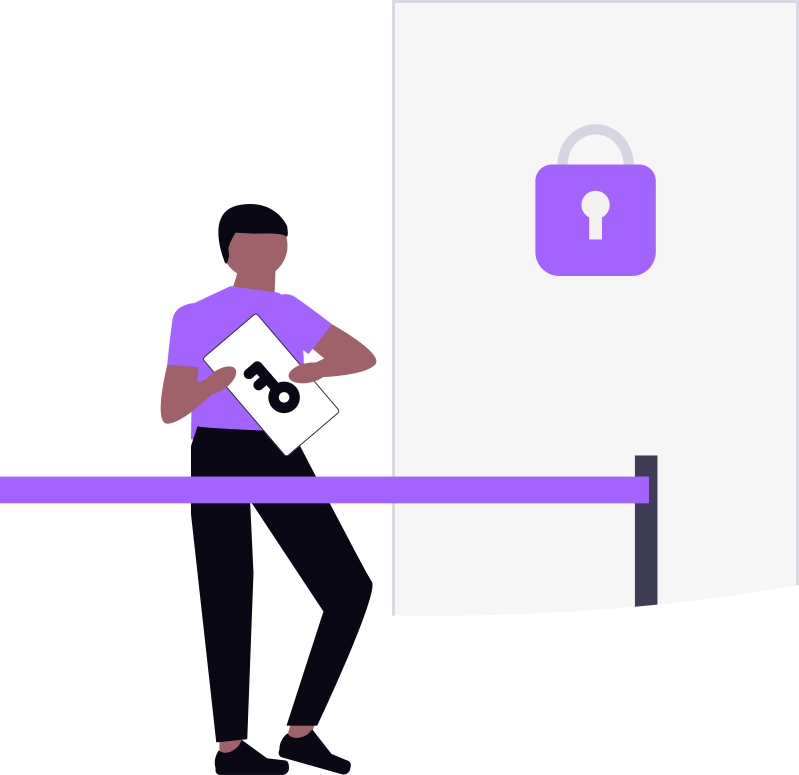
ਪਹੁੰਚ ਦਿੱਤੀ ਜਾਂਦੀ ਹੈ
ਇੱਕ ਵਾਰ ਸਰਟੀਫਿਕੇਟ ਮਨਜ਼ੂਰ ਹੋ ਜਾਣ ਤੇ ਹਰ ਪਿਆਰੇ ਦੀ ਪਛਾਣ ਪੁਸ਼ਟੀ ਹੋ ਜਾਣ 'ਤੇ, ਉਹ ਤੁਹਾਡੇ ਸੌਂਪੇ ਆਈਟਮਾਂ ਤੱਕ ਪਹੁੰਚ ਕਰ ਸਕਦੇ ਹਨ। ਕੋਈ ਕਮੇਟੀਆਂ ਨਹੀਂ, ਕੋਈ ਵਿਚੋਲੇ ਨਹੀਂ — ਤੁਹਾਡੀ ਵਿਰਾਸਤ ਬਸ ਸਹੀ ਹੱਥਾਂ ਤੱਕ ਪਹੁੰਚਦੀ ਹੈ, ਬਿਲਕੁਲ ਉਵੇਂ ਜਿਵੇਂ ਤੁਸੀਂ ਚਾਹਿਆ।
ਸ਼ੁਰੂ ਕਰਨ ਲਈ ਛੇ ਕਦਮ

ਆਪਣਾ ਖਾਤਾ ਬਣਾਓ
ਆਪਣੇ ਈਮੇਲ ਤੇ ਫ਼ੋਨ ਨੰਬਰ ਨਾਲ ਸਾਈਨ ਅੱਪ ਕਰੋ। ਦੋਵਾਂ 'ਤੇ ਭੇਜੇ ਵਨ-ਟਾਈਮ ਕੋਡ ਨਾਲ ਆਪਣੀ ਪਛਾਣ ਤਸਦੀਕ ਕਰੋ। ਸੁਰੱਖਿਆ ਦੀ ਇੱਕ ਵਾਧੂ ਪਰਤ ਲਈ ਮਲਟੀ-ਫੈਕਟਰ ਪ੍ਰਮਾਣੀਕਰਨ ਸੈੱਟ ਕਰੋ।
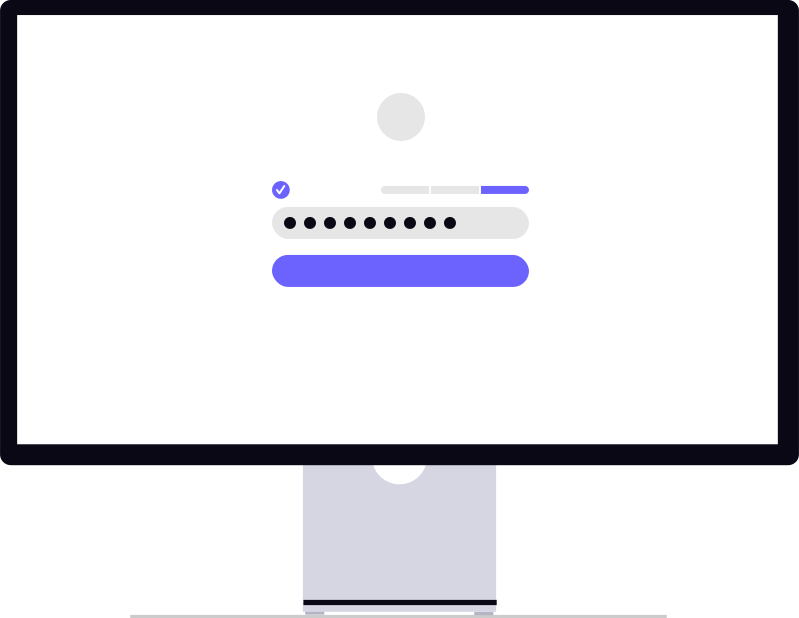
ਆਪਣਾ ਪਾਸਵਰਡ ਸੈੱਟ ਕਰੋ
ਇੱਕ ਮਜ਼ਬੂਤ ਪਾਸਵਰਡ ਚੁਣੋ ਜੋ ਸਿਰਫ਼ ਤੁਸੀਂ ਜਾਣਦੇ ਹੋ। ਇਹ ਪਾਸਵਰਡ ਤੁਹਾਡੀ ਸਪੇਸ ਦੀ ਰੱਖਿਆ ਕਰਦਾ ਹੈ ਤੇ ਤੁਹਾਡੇ ਡੇਟਾ ਨੂੰ ਸੁਰੱਖਿਅਤ ਰੱਖਦਾ ਹੈ। Nivi ਕਦੇ ਤੁਹਾਡਾ ਪਾਸਵਰਡ ਨਹੀਂ ਵੇਖਦਾ ਜਾਂ ਸਟੋਰ ਨਹੀਂ ਕਰਦਾ — ਤੁਹਾਡੀ ਸਪੇਸ ਸਿਰਫ਼ ਤੇ ਸਿਰਫ਼ ਤੁਹਾਡੀ ਹੀ ਰਹਿੰਦੀ ਹੈ।

ਸਪੇਸਾਂ ਬਣਾਓ ਤੇ ਆਈਟਮਾਂ ਜੋੜੋ
ਆਪਣੀ ਜ਼ਿੰਦਗੀ ਨੂੰ ਸਪੇਸਾਂ ਵਿੱਚ ਵਿਵਸਥਿਤ ਕਰੋ। ਹਰ ਸਪੇਸ ਅੰਦਰ, ਜਾਇਦਾਦ (ਬੈਂਕ ਖਾਤੇ, ਬੀਮਾ, ਜਾਇਦਾਦ, ਕ੍ਰਿਪਟੋ), ਦੇਣਦਾਰੀਆਂ (ਲੋਨ, ਕ੍ਰੈਡਿਟ ਕਾਰਡ), ਫ਼ਰਜ਼ (ਬਿੱਲ, ਸਬਸਕ੍ਰਿਪਸ਼ਨ), ਤੇ ਯਾਦਾਂ (ਚਿੱਠੀਆਂ, ਫੋਟੋ, ਜਰਨਲ) ਜੋੜੋ। ਸਭ ਕੁਝ ਉੱਨਤ ਐਂਡ-ਟੂ-ਐਂਡ ਐਨਕ੍ਰਿਪਸ਼ਨ ਨਾਲ ਸੁਰੱਖਿਅਤ ਹੈ।
ਪਿਆਰਿਆਂ ਨੂੰ ਜੋੜੋ
ਜਿਨ੍ਹਾਂ ਨੂੰ ਤੁਹਾਡੀ ਡਿਜੀਟਲ ਵਿਰਾਸਤ ਮਿਲਣੀ ਚਾਹੀਦੀ ਹੈ ਉਨ੍ਹਾਂ ਨੂੰ ਰਜਿਸਟਰ ਕਰੋ। ਉਨ੍ਹਾਂ ਦੀ ਸੰਪਰਕ ਜਾਣਕਾਰੀ ਜੋੜੋ, ਸਰਕਾਰੀ ਆਈਡੀ ਤੇ ਚਿਹਰੇ ਦੀ ਫੋਟੋ ਨਾਲ ਉਨ੍ਹਾਂ ਦੀ ਪਛਾਣ ਤਸਦੀਕ ਕਰੋ। ਫਿਰ ਹਰ ਪਿਆਰੇ ਨੂੰ ਖਾਸ ਆਈਟਮਾਂ ਜਾਂ ਪੂਰੀਆਂ ਸਪੇਸਾਂ ਸੌਂਪੋ।
ਆਪਣੇ ਪਿਆਰਿਆਂ ਨੂੰ ਚੁਣੋ
ਜਿਨ੍ਹਾਂ ਨੂੰ ਤੁਹਾਡੀ ਵਿਰਾਸਤ ਮਿਲਣੀ ਚਾਹੀਦੀ ਹੈ ਉਨ੍ਹਾਂ ਨੂੰ ਜੋੜੋ ਤੇ ਉਨ੍ਹਾਂ ਵਿੱਚੋਂ ਹਰ ਇੱਕ ਨੂੰ ਖਾਸ ਆਈਟਮਾਂ ਜਾਂ ਪੂਰੀਆਂ ਸਪੇਸਾਂ ਸੌਂਪੋ। ਜਦੋਂ ਤੱਕ ਸੱਚਮੁੱਚ ਸਮਾਂ ਨਾ ਆਵੇ ਉਨ੍ਹਾਂ ਨਾਲ ਸੰਪਰਕ ਨਹੀਂ ਕੀਤਾ ਜਾਂਦਾ — ਤੇ ਉਦੋਂ ਵੀ, ਜਦੋਂ ਤੱਕ ਪਹੁੰਚ ਰਸਮੀ ਤੌਰ 'ਤੇ ਜਾਰੀ ਨਾ ਹੋਵੇ, ਤੁਹਾਡੀ ਸਪੇਸ ਤੁਹਾਡੇ ਪਾਸਵਰਡ ਨਾਲ ਸੁਰੱਖਿਅਤ ਰਹਿੰਦੀ ਹੈ।
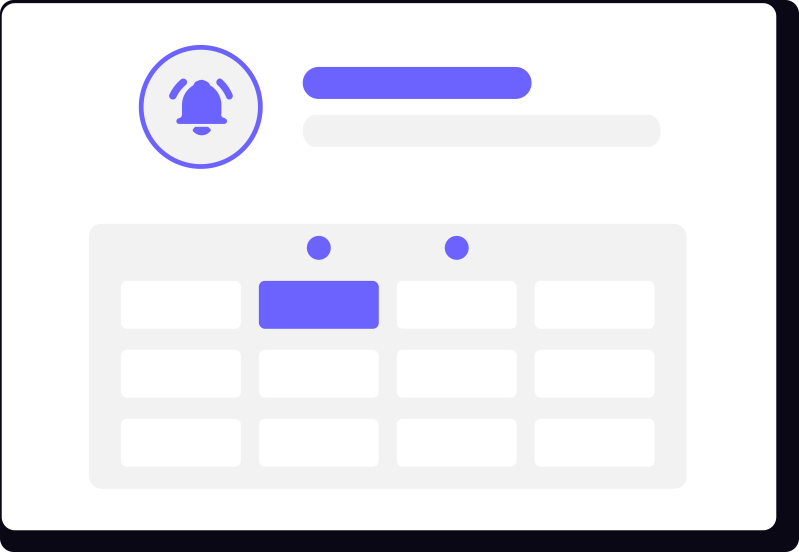
ਆਪਣਾ ਚੈੱਕ-ਇਨ ਸ਼ਡਿਊਲ ਸੈੱਟ ਕਰੋ
ਤੈਅ ਕਰੋ ਤੁਸੀਂ ਕਿੰਨੀ ਵਾਰ ਚੈੱਕ-ਇਨ ਕਰਨਾ ਚਾਹੁੰਦੇ ਹੋ (ਰੋਜ਼ਾਨਾ, ਹਫ਼ਤਾਵਾਰ, ਮਾਸਿਕ — ਤੁਸੀਂ ਚੁਣੋ)। ਜੇ ਤੁਸੀਂ ਚੈੱਕ-ਇਨ ਕਰਨਾ ਬੰਦ ਕਰ ਦਿਓ, ਤਾਂ Nivi ਇੱਕ ਉਡੀਕ ਵਿੰਡੋ ਵਿੱਚ ਤੁਹਾਨੂੰ ਰੋਜ਼ ਯਾਦ ਕਰਾਉਂਦਾ ਹੈ। ਸਿਰਫ਼ ਉਹ ਵਿੰਡੋ ਲੰਘਣ 'ਤੇ ਹੀ ਇਹ ਤੁਹਾਡੇ ਪਿਆਰਿਆਂ ਨੂੰ ਸੂਚਿਤ ਕਰਦਾ ਹੈ — ਤੇ ਉਨ੍ਹਾਂ ਵਿੱਚੋਂ ਕੋਈ ਇੱਕ ਮੌਤ ਸਰਟੀਫਿਕੇਟ ਜਮ੍ਹਾਂ ਕਰੇ ਜਿਸਨੂੰ ਸਾਡੀ ਟੀਮ ਤਸਦੀਕ ਕਰਦੀ ਹੈ, ਤਦ ਪਹੁੰਚ ਦਿੱਤੀ ਜਾਂਦੀ ਹੈ।
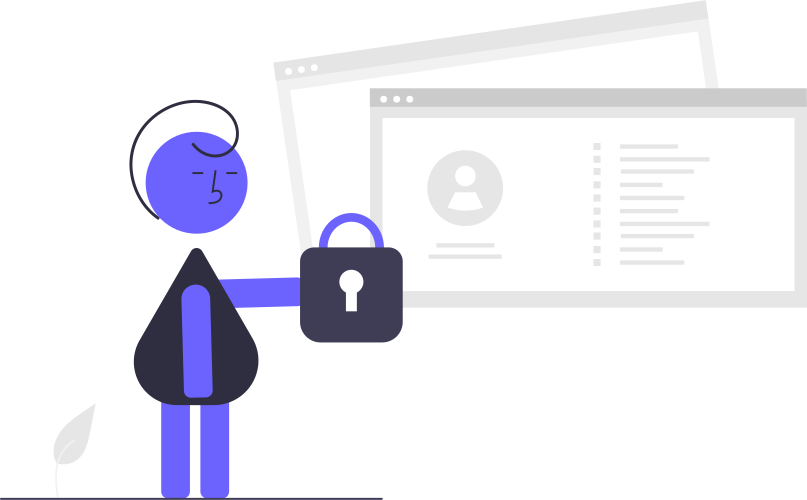
ਤੁਹਾਡਾ ਡੇਟਾ, ਤੁਹਾਡੇ ਨਿਯਮ
Nivi ਨੂੰ ਕੀ ਵੱਖਰਾ ਬਣਾਉਂਦਾ ਹੈ
ਰਵਾਇਤੀ ਇਸਟੇਟ ਯੋਜਨਾ ਟੂਲਾਂ ਦੇ ਉਲਟ, Nivi ਨੂੰ ਇਸ ਤਰ੍ਹਾਂ ਬਣਾਇਆ ਗਿਆ ਹੈ ਕਿ ਕੋਈ ਵੀ — ਅਸੀਂ ਵੀ ਨਹੀਂ — ਤੁਹਾਡਾ ਡੇਟਾ ਨਹੀਂ ਵੇਖ ਸਕਦਾ। ਇਸ ਦਾ ਤੁਹਾਡੇ ਲਈ ਕੀ ਮਤਲਬ ਹੈ, ਇੱਥੇ ਦੱਸਿਆ ਗਿਆ ਹੈ।
ਅਸੀਂ ਤੁਹਾਡਾ ਡੇਟਾ ਨਹੀਂ ਪੜ੍ਹ ਸਕਦੇ
ਤੁਹਾਡਾ ਡੇਟਾ ਉੱਨਤ ਐਂਡ-ਟੂ-ਐਂਡ ਐਨਕ੍ਰਿਪਸ਼ਨ ਨਾਲ ਸੁਰੱਖਿਅਤ ਹੈ। ਸਾਡੇ ਸਰਵਰ ਸਿਰਫ਼ ਐਨਕ੍ਰਿਪਟਡ ਡੇਟਾ ਸਟੋਰ ਕਰਦੇ ਹਨ — ਅਸੀਂ ਇਸਨੂੰ ਪੜ੍ਹ ਨਹੀਂ ਸਕਦੇ।
ਕੰਟਰੋਲ ਤੁਹਾਡੇ ਕੋਲ ਰਹਿੰਦਾ ਹੈ
ਜਦੋਂ ਤੁਸੀਂ ਸਰਗਰਮ ਹੋ ਤਾਂ ਕੁਝ ਨਹੀਂ ਹੁੰਦਾ। ਇੱਕੋ ਚੈੱਕ-ਇਨ ਜਾਂ ਸਾਈਨ-ਇਨ ਪਹਿਲਾਂ ਤੋਂ ਚੱਲ ਰਹੀ ਕਿਸੇ ਵੀ ਸੌਂਪਣੀ ਨੂੰ ਤੁਰੰਤ ਰੱਦ ਕਰ ਦਿੰਦਾ ਹੈ — ਪ੍ਰਕਿਰਿਆ ਰੋਕਣ ਤੋਂ ਤੁਸੀਂ ਹਮੇਸ਼ਾ ਇੱਕ ਟੈਪ ਦੂਰ ਹੋ।
ਤਸਦੀਕ ਕੀਤੀ ਸੌਂਪਣੀ
ਪਹੁੰਚ ਸਿਰਫ਼ ਤਦ ਹੀ ਦਿੱਤੀ ਜਾਂਦੀ ਹੈ ਜਦੋਂ ਕੋਈ ਪਿਆਰਾ ਇੱਕ ਅਧਿਕਾਰਤ ਮੌਤ ਸਰਟੀਫਿਕੇਟ ਜਮ੍ਹਾਂ ਕਰੇ ਤੇ ਸਾਡੀ ਟੀਮ ਦਾ ਕੋਈ ਮੈਂਬਰ ਇਸ ਦੀ ਹੱਥੀਂ ਸਮੀਖਿਆ ਤੇ ਮਨਜ਼ੂਰੀ ਦੇਵੇ।
ਤਸਦੀਕ ਕੀਤੇ ਪਿਆਰੇ
ਜਦੋਂ ਤੱਕ ਪਹੁੰਚ ਜਾਰੀ ਨਾ ਹੋਵੇ, ਪਿਆਰਿਆਂ ਨੂੰ ਸੂਚਿਤ ਨਹੀਂ ਕੀਤਾ ਜਾਂਦਾ। ਸਮਾਂ ਆਉਣ 'ਤੇ, ਚਿਹਰਾ ਤਸਦੀਕ ਯਕੀਨੀ ਬਣਾਉਂਦਾ ਹੈ ਕਿ ਸਹੀ ਵਿਅਕਤੀ ਤੁਹਾਡੀ ਵਿਰਾਸਤ ਪ੍ਰਾਪਤ ਕਰੇ।
ਆਪਣੀ ਵਿਰਾਸਤ ਦੀ ਸੁਰੱਖਿਆ ਲਈ ਤਿਆਰ ਹੋ?
Nivi ਡਾਊਨਲੋਡ ਕਰੋ ਤੇ ਪੰਜ ਮਿੰਟਾਂ ਤੋਂ ਘੱਟ ਵਿੱਚ ਆਪਣੀ ਪਹਿਲੀ ਸਪੇਸ ਸੈੱਟ ਕਰੋ।
ਹੋਮ 'ਤੇ ਵਾਪਸ ਜਾਓ