How Nivi Works
Your legacy, in your control — from today until the handover.
During your life
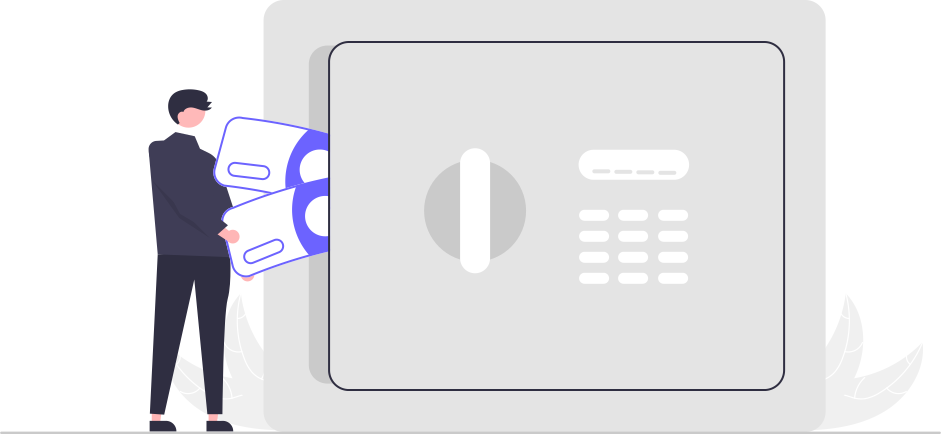
Create your vault and organise your life
Set up a vault and sort your assets, liabilities, responsibilities, and memories into separate spaces — one for your children, another for your spouse, your relatives, an organisation, or however you see fit.

Add beneficiaries
Register the people who should inherit your digital legacy. Add their contact details, verify their identity with a government ID and face photo. Then assign specific items or entire spaces to each beneficiary.

Appoint trusted custodians
Pick a few people you trust deeply — they are your custodians. If you become inactive on the app for an extended period, these are the people we ask to confirm your status so that your information can be passed on to your beneficiaries.

Keep it up to date
Life changes, and your vault changes with it. Add new items, update existing ones, and reorganise spaces whenever you need to — your vault grows with you over the years.
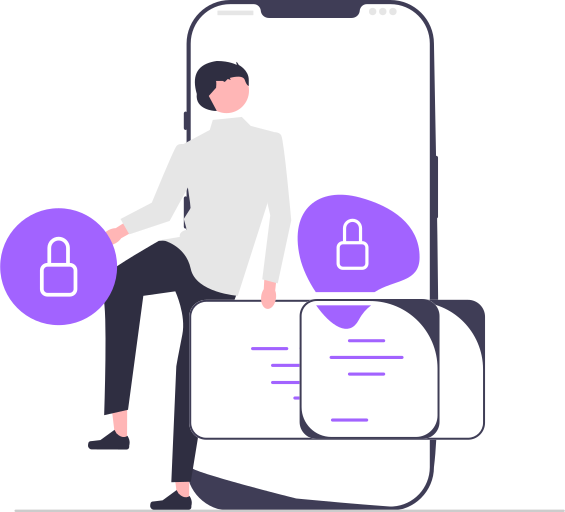
A private safe in your pocket
Think of Nivi as a safe that travels with you. The moment you type anything, Nivi locks it up tight. You are the only one with the combination. We don't keep a spare key, so even the people who built Nivi can't see what's inside. Your information never leaves your control.
After you
When the time comes
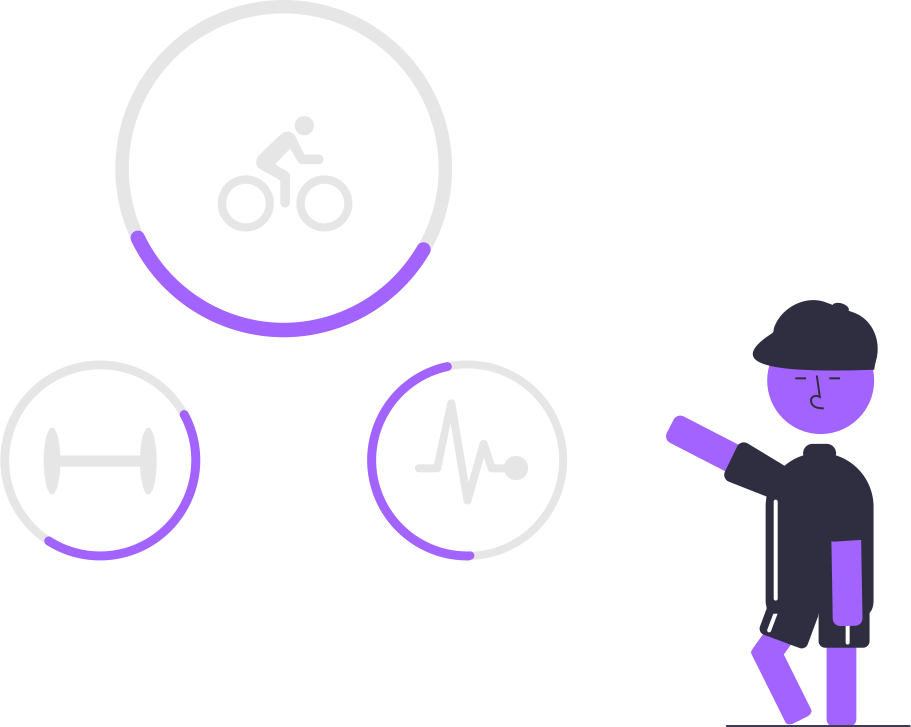
Activity tracker
When you remain inactive for the period you specified, Nivi reaches out to you.

Custodians are contacted
When no response, we contact your custodians. They are asked to confirm your status — whether they believe you are unable to manage your vault.

Custodians vote to confirm
Each custodian votes independently. When enough custodians agree (based on the threshold you set), the handover process begins. Custodians never see your data — they only confirm your status.
Beneficiaries are contacted
Your beneficiaries are notified using the details you provided when you added them. We ask them to download Nivi and claim what you left for them — exactly the way you planned it.
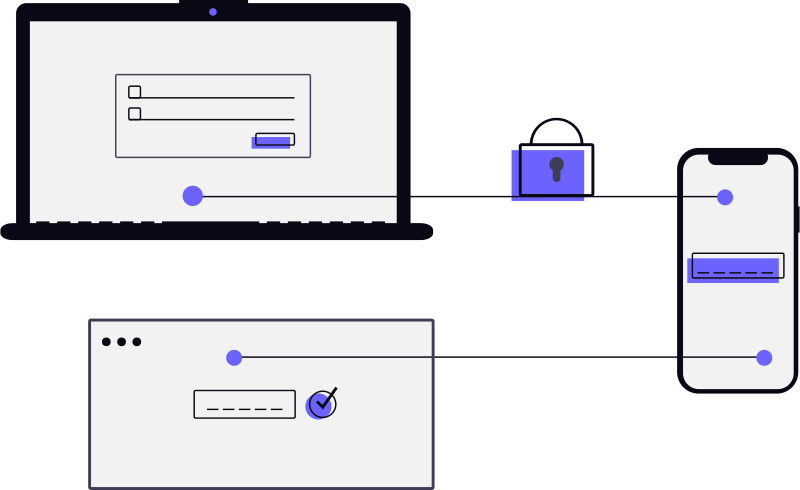
Identity verification
We verify each beneficiary's identity by matching their face against the photo you stored. If you recorded a government ID, we ask them to present it. Once everything checks out, they can access what you assigned them.
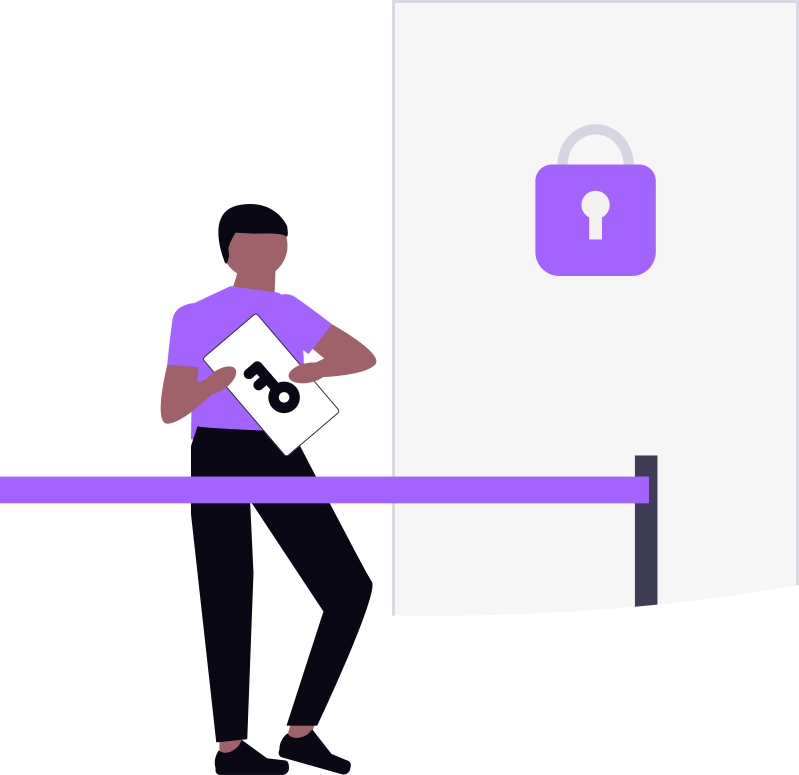
Access is released
Once verification is complete, beneficiaries can access the items you assigned them. Custodians' role ends here — they never see your information. Your legacy reaches the right hands, exactly as you intended.
Six steps to get started

Create Your Account
Sign up with your email and phone number. Verify your identity with a one-time code sent to both. Set up multi-factor authentication for an extra layer of security.
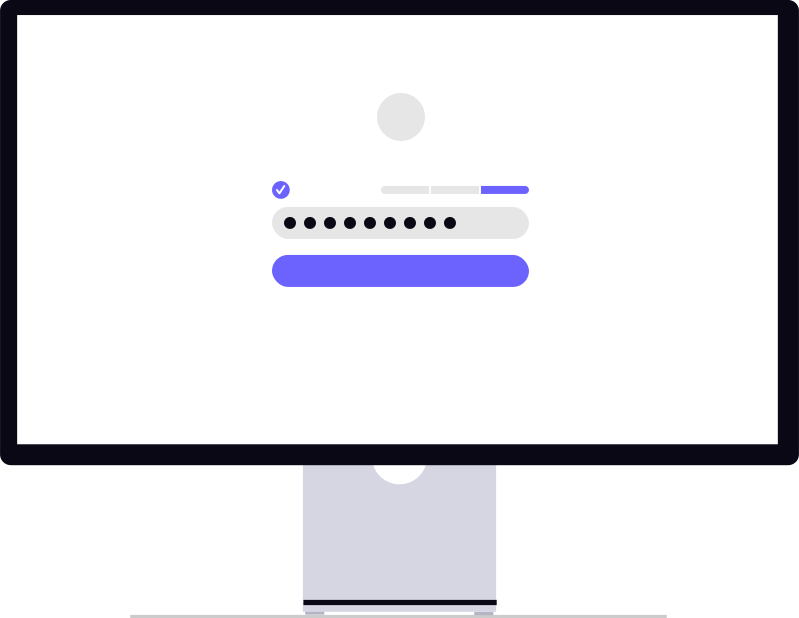
Set Your Password
Choose a strong password that only you know. This password protects your vault and keeps your data safe. Nivi never sees or stores your password — your vault stays yours and yours only.

Create Spaces & Add Items
Organise your life into spaces (vaults). Within each space, add assets (bank accounts, insurance, property, crypto), liabilities (loans, credit cards), responsibilities (bills, subscriptions), and memories (letters, photos, journals). Everything is protected with advanced end-to-end encryption.
Add Beneficiaries
Register the people who should inherit your digital legacy. Add their contact information, verify their identity with a government ID and face photo. Then assign specific items or entire spaces to each beneficiary.
Appoint Custodians
Choose one or more trusted people to serve as custodians. Each custodian acts as an independent security guardian for your vault. You decide how many must confirm your inactivity before the handover process begins. Your vault is always protected by your password — custodians cannot access your data.
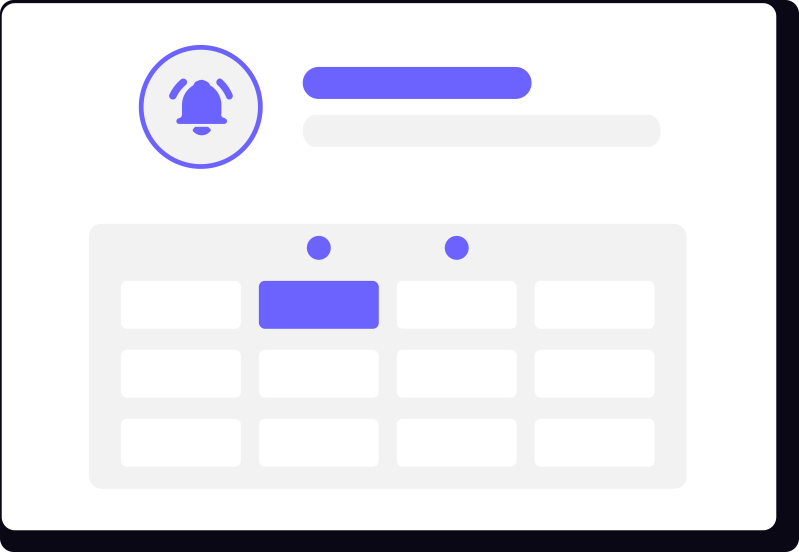
Set Your Check-In Schedule
Define how often you want to check in (daily, weekly, monthly — you choose). If Nivi detects you haven't checked in for your specified inactivity period, it initiates a secure voting process among your custodians. Once enough custodians agree, your beneficiaries gain access to the items you assigned them.
Your Data, Your Rules
What Makes Nivi Different
Unlike traditional estate planning tools, Nivi is built so that no one — not even us — can see your data. Here's what that means for you.
We Can't Read Your Data
Your data is protected with advanced end-to-end encryption. Our servers only ever store encrypted data — we cannot read it.
No Single Point of Failure
Your vault is protected by your chosen custodians. Even if Nivi disappears, your custodian setup ensures access can be restored.
Democratic Handover
Access is only released after the required number of custodians vote to approve, based on the threshold you set.
Verified Beneficiaries
Beneficiaries are not informed until access is released. When the time comes, face verification ensures the right person receives your legacy.
Ready to Protect Your Legacy?
Download Nivi and set up your first vault in under five minutes.
Back to Home